· By Daryn Leaity, who owns and runs Ecosmart
Ecosmart is now built into Home Assistant
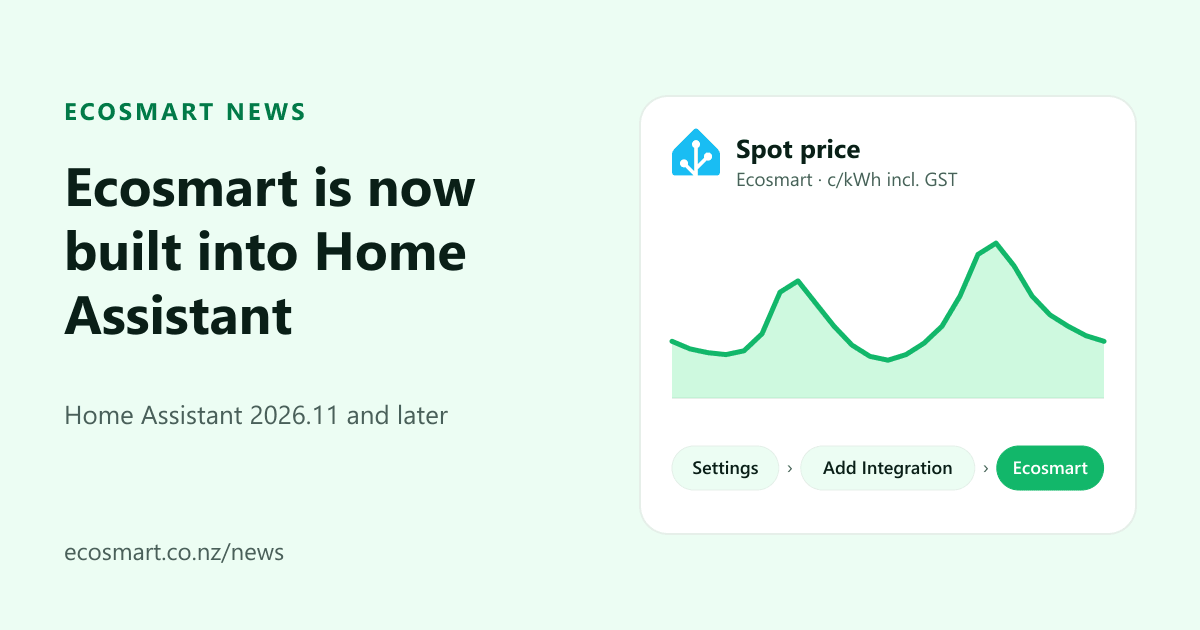
Ecosmart now ships with Home Assistant. Our integration shipped in Home Assistant 2026.11 on 4 November 2026, so Ecosmart electricity customers can add it from Home Assistant's own Settings screen, paste in an API key, and have their wholesale spot price as a sensor, with no YAML to write.
What's changed
Until now, getting our price into Home Assistant meant copying REST sensor YAML from our price API docs and filling in your grid exit point by hand. That still works, but you don't need it any more.
The Ecosmart integration is now in Home Assistant itself. Its maintainers reviewed it on GitHub over about two months, it's listed in the 2026.11 release notes, and it updates when Home Assistant does. There's nothing to install from HACS and no custom component to keep up to date.
I use Home Assistant myself, and I wanted adding our price to be as easy as adding anything else in it. Now it is.
What do you get?
One device for each property on your account (each ICP, the 15-character connection number on your bill). Each has a Spot price sensor: the wholesale price at your grid exit point, the substation where your local network takes power from the national grid, in cents per kWh including GST. It updates about every five minutes, as often as the market republishes the price.
For automations that plan ahead there's an action, ecosmart.get_forecasts, which returns the price
forecast for the hours ahead. That's the piece you'd use to run a hot water cylinder, a battery or an EV charger in
the lowest-priced hours.
If the price is more than about fifteen minutes old, or Home Assistant can't reach us, the sensor shows as unavailable instead of holding an old number. I'd rather an automation did nothing than charged a battery on a stale price.
The sensor is the wholesale energy price only. Your bill adds network losses (which move with the wholesale price), your lines charges (on Vector networks, plus a flat transmission charge), metering, levies, our fee and GST. Wholesale prices change every half hour and can spike, which is why it helps to have something watching them.
Setting it up
Create an API key in the Ecosmart app, then in Home Assistant 2026.11 or later go to Settings, Devices & services, Add Integration, search for Ecosmart and paste the key. Our Home Assistant setup page walks through each step, or you can open it in your Home Assistant directly.
One thing to know: don't use the sensor as the electricity price in Home Assistant's Energy dashboard. The dashboard expects dollars per kWh, so your costs would show 100 times too high, and the sensor leaves out the rest of your bill anyway. If you already run our REST sensors, they keep working.
Home Assistant questions
When did Ecosmart arrive in Home Assistant?
In Home Assistant 2026.11, released on 4 November 2026. It ships with Home Assistant, so you add it from Settings instead of installing anything from HACS, and you get a sensor with the wholesale spot price at your grid exit point and an action that returns the price forecast.
Do I need to be an Ecosmart customer?
Yes. The integration needs an API key, and keys are created in the Ecosmart app, which needs an Ecosmart electricity account with at least one property switched to us.
Does the integration control my devices?
No. It publishes prices and switches nothing. Your own Home Assistant automations decide what to turn on and off, and any relay on fixed wiring, such as a hot water cylinder, is fitted by a licensed electrician.
The full details are on Home Assistant's Ecosmart integration page, and our price API docs cover the API underneath it. Not with us yet? Here's how our wholesale plan works, including who it suits and who it doesn't.